Tag: hardware

  • Insider Update An Old PC: Some Tricks That Will Help

    Insider Update An Old PC: Some Tricks That Will Help

    Ever stare at your faithful old pc and wonder—can this thing survive Windows 11?
    Good news: it can. And with the right tweaks, that “aging dinosaur” might just roar again.

    The tech world loves to push shiny new gear, but in audio (and beyond), squeezing life out of what you already own is a power move. Let’s walk through how to keep your older machines humming happily, even under the weight of Windows 11.


    Why Keep an Old PC Alive?

    Replacing a computer is pricey—and sometimes unnecessary. For audio engineers and tech pros, older machines can still run DAWs, plugins, and control systems like AMP by New Life Electronics (NLE) with ease, as long as you set them up smartly.

    It’s not just about saving cash—it’s about sustainability, workflow stability, and letting reliable tools do their job.


    Step 1: Prep Your Old PC Hardware for the Upgrade

    Before you click “Install,” give your PC some love:

    • Upgrade your RAM (8GB minimum, 16GB sweet spot)
    • Swap in an SSD for faster boot and load times
    • Clean out dust (seriously—your CPU fan will thank you)

    👉 Many older desktops accept modest upgrades that dramatically boost performance. Don’t underestimate the magic of fresh RAM and a speedy SSD.


    Step 2: Make Windows 11 Play Nice

    Windows 11 has stricter requirements, but there are workarounds. Even if your processor isn’t on Microsoft’s “blessed” list, tools exist to bypass checks safely.

    • Use the Windows 11 Installation Assistant for supported systems.
    • For unsupported PCs, lean on lightweight registry tweaks (with backups, of course).
    • Disable bloatware after install—freeing up resources for your audio apps.

    Pro Insight: AMP by NLE runs brilliantly on older, repurposed machines when tuned properly. Its low-latency design doesn’t need bleeding-edge specs—it needs smart system optimization.


    Step 3: Optimize for Audio Performance

    Once you’re running Windows 11, tweak your system for sound:

    • Set High Performance Mode in power settings.
    • Disable unnecessary startup programs.
    • Update ASIO drivers for lowest latency.
    • Use a dedicated user profile for audio work.

    With these steps, even a machine from 2014 can become a trustworthy rig for mixing, recording, or live control.


    Old PC

    Quick Tips (Aside Blocks)

    💡 Quick Hack: Install a lightweight antivirus—heavy security suites can strangle audio performance.

    🎚️ Gear Pick: Pair an older laptop with a Focusrite Scarlett Solo—clean preamps, light CPU load, rock-solid drivers.

    🎤 Learn More: ProSoundTraining.com


    Keep Your Rig (and Budget) Happy

    You don’t need a brand-new PC to stay in the audio game. With a few upgrades and smart Windows 11 tweaks, you can stretch your gear’s lifespan while keeping your mixes stable, smooth, and pro-grade.

    👉 Looking for expert sound engineering solutions? Book a consultation today!
    👉 Need top-tier rental equipment for your next event? Let’s talk gear!
  • DAW-some Discoveries: Checking Out a New DAW

    DAW-some Discoveries: Checking Out a New DAW

    A New DAW-n in Music Production

    Think your current DAW setup is flawless? Think again. The world of music production is evolving at a tempo even your fastest BPM can’t keep up with. Gone are the days when you had to wrestle with clunky interfaces, limited tracks, and enough cables to make a sound engineer weep. The future of Digital Audio Workstations (DAWs) is here, and it’s rewriting the rules of recording, mixing, and mastering.

    Imagine a DAW that adapts to your workflow, integrates seamlessly with your hardware, and—dare we say—makes music production actually fun. Whether you’re a seasoned engineer or just unboxing your first MIDI keyboard, understanding the latest innovations can elevate your craft from “meh” to “mix-master.” Let’s dive into what makes today’s DAWs so DAW-some.


    Smarter, Faster, More Creative: The Evolution of DAWs

    If you’re still using one from a decade ago, you’re essentially producing with a flip phone in the age of smartphones. Modern DAWs aren’t just about laying down tracks—they’re designed to enhance creativity, optimize workflow, and deliver studio-grade results with fewer headaches.

    Key Innovations Changing the Game:

    🎛 AI-Assisted Mixing & Mastering – Think of AI as your assistant engineer (minus the coffee breaks). Advanced DAWs now offer AI-driven EQ, compression, and mix suggestions, saving you hours of fine-tuning.

    ☁️ Cloud Collaboration – No more ‘final_final_mix_3_THISONE.mp3’ email threads. Work seamlessly with artists and engineers worldwide directly.

    🖥 Touchscreen & Multi-Screen Support – Dragging sliders with a mouse? So last century. Multi-screen and touchscreen integration give you a tactile, hands-on approach.

    🎤 Seamless Hardware Integration – Leading platforms like Audio Mixing Platform (AMP) by New Life Electronics (NLE) take compatibility to the next level, effortlessly working with ASIO, Dante, and AES67 network technologies for high-speed, low-latency performance.

    🎶 Immersive Audio Support – With 3D and spatial audio becoming mainstream, DAWs are now equipped to handle Dolby Atmos, Ambisonics, and other immersive formats.


    Pro Tips for Mastering the DAW Revolution

    ✅Stay Updated – New features roll out faster than plugin sales. Keep your software updated to stay ahead of the curve.

    ✅Customize Your Workflow – Tailor hotkeys, macros, and templates to fit your production style and save valuable time.

    ✅Experiment with AI – Use AI-assisted tools to enhance your mixes, but trust your ears over algorithms.

    ✅Leverage Cloud Storage – Back up your projects to the cloud so you never lose that ‘perfect take.’

    ✅Integrate the Right Hardware – Use expandable I/O interfaces, control surfaces, and networked audio gear to unlock the full potential.


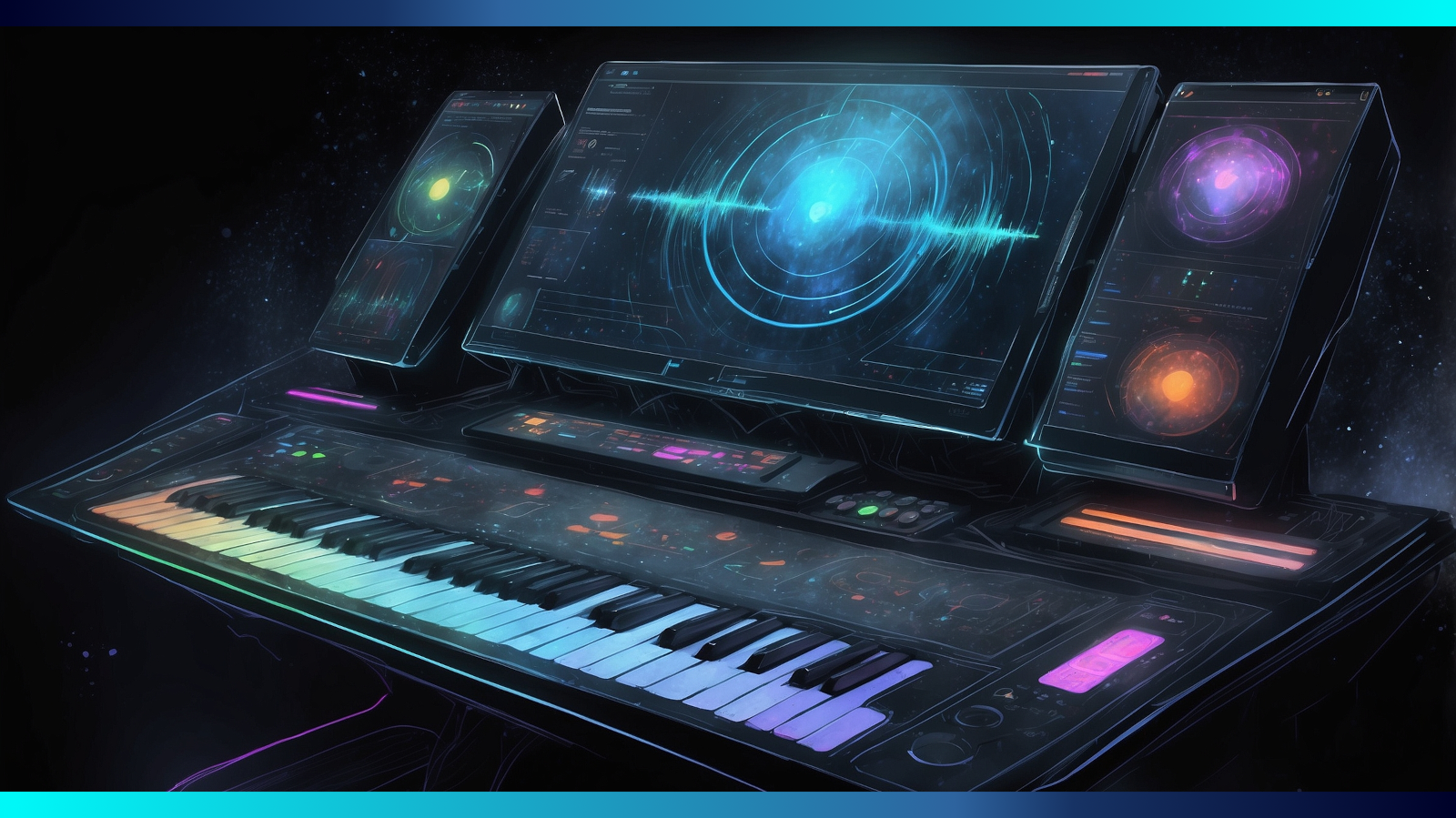
    Glimpse of a DAW interface

    The Future is DAWsome – Are You Ready?

    Music production is no longer limited by clunky software or outdated workflows. With AI, cloud collaboration, and intuitive integration shaping the future, there’s never been a better time to upgrade your game. Whether you’re an industry pro or a bedroom producer, these innovations will keep your creativity flowing and your mixes sounding better than ever.

    Ready to optimize your setup? Let’s talk gear and solutions!

    For deep-dive sound engineering training, check out SynAudCon’s industry-leading courses and take your skills to the next level.
