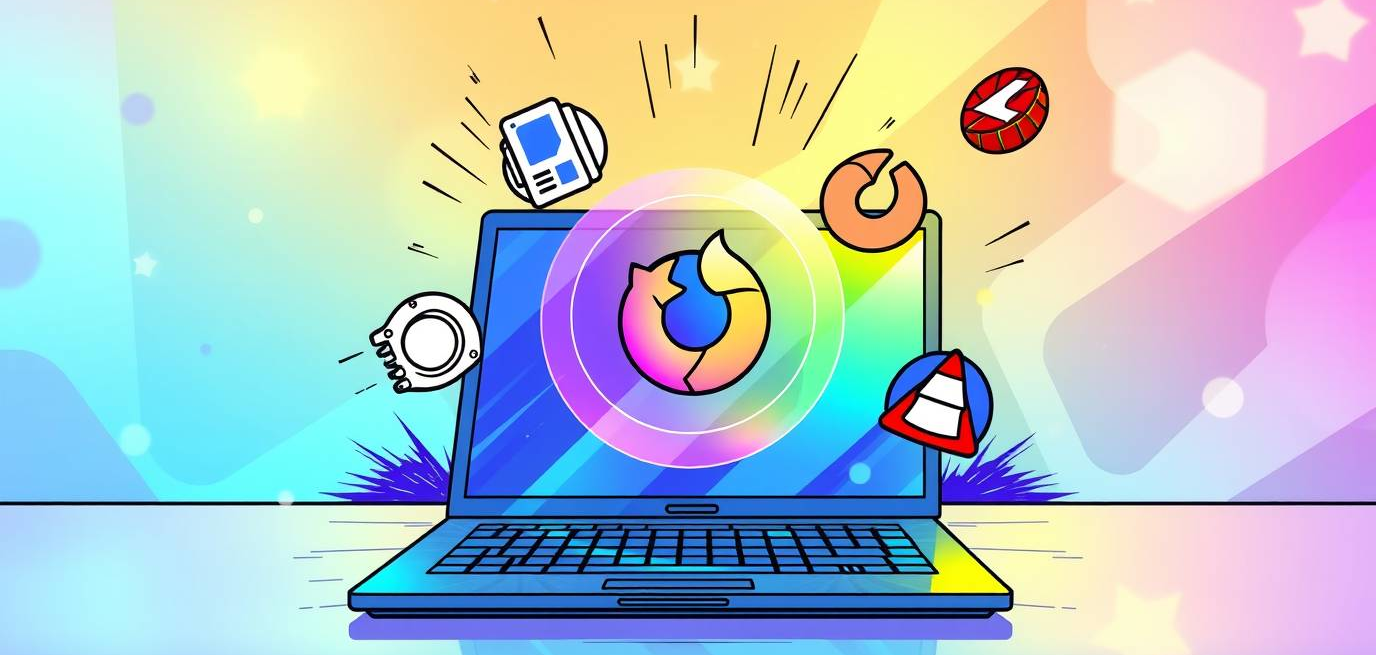
Ever feel like your computer is working harder to frustrate you than help you? Don’t worry—you’re not alone. The good news is that the right PC Utilities can transform everyday chaos into smooth, joyful workflows. Think of them as the backstage crew that makes the headliner (you!) shine.
Clonezilla: Your Drive Duplication Hero in PC Utilities
Need to swap out a hard drive or make a carbon copy of your setup? Clonezilla is like having a superpowered stagehand who never misses a cue. This free and open-source tool clones entire drives and partitions with rock-solid reliability.
🎸 Pro Insight: Always test your cloned drive before relying on it in mission-critical situations. Nothing says “encore” like a backup that actually works.
OpenShell: The Menu That Makes Windows Sing
Let’s be honest—sometimes the Windows interface feels like a band with no rhythm. OpenShell brings back a familiar, customizable Start Menu that keeps your workflow smooth and intuitive.
🔥 Quick Tip: Tailor the menu to your most-used apps. It’s like setting up a pedalboard—you want everything right where you need it.
Audacity: The Free Audio Powerhouse of PC Utilities
From podcast editing to sound design, Audacity is the Swiss army knife of audio. This free tool lets you record, cut, splice, and mix with surprising finesse. Whether you’re a musician, engineer, or hobbyist, it earns a permanent spot in your toolkit.
🎤 Gear Recommendation: Pair Audacity with a solid USB mic like the Shure MV7 for clean, professional recordings without breaking the bank.
Firefox: Browsing With Freedom and Speed
When you’re online, you need a browser that’s fast, secure, and adaptable. Firefox isn’t just a browser—it’s a powerhouse of customization, privacy, and speed. Extensions let you tailor it to your exact needs, from productivity to entertainment.
⚡ Pro Tip: Use Firefox containers to keep work, personal, and creative browsing separate. It’s like having multiple soundboards—no crosstalk, just clarity.
VLC: The Player That Handles Everything
Ever tried to play a video and got smacked with a “format not supported” message? VLC laughs at those problems. It plays nearly every audio and video format under the sun, making it the utility you didn’t know you needed—until you really need it.
🎬 Quick Tip: Explore VLC’s lesser-known features like network streaming and simple conversion. It’s way more than just a play button.

PC Utilities Honorable Mentions: HandBrake and PuTTY
Not every utility gets a solo, but some deserve applause.
- HandBrake: A go-to for video conversion. Compress those massive files without turning them into pixel soup.
- PuTTY: The little terminal that could. Perfect for SSH connections and managing remote servers like a pro.
Taking Control of Your Digital Stage
Your PC shouldn’t feel like a cranky bandmate. With PC Utilities like Clonezilla, OpenShell, Audacity, Firefox, and VLC, you can turn it into a joyful partner that amplifies your productivity and creativity.
Looking for expert gear to complement your digital workflow? At NLE, we know the tools—and the tricks—that keep both live events and studio work seamless.
👉 Need top-tier rental equipment for your next event? Let’s talk gear!