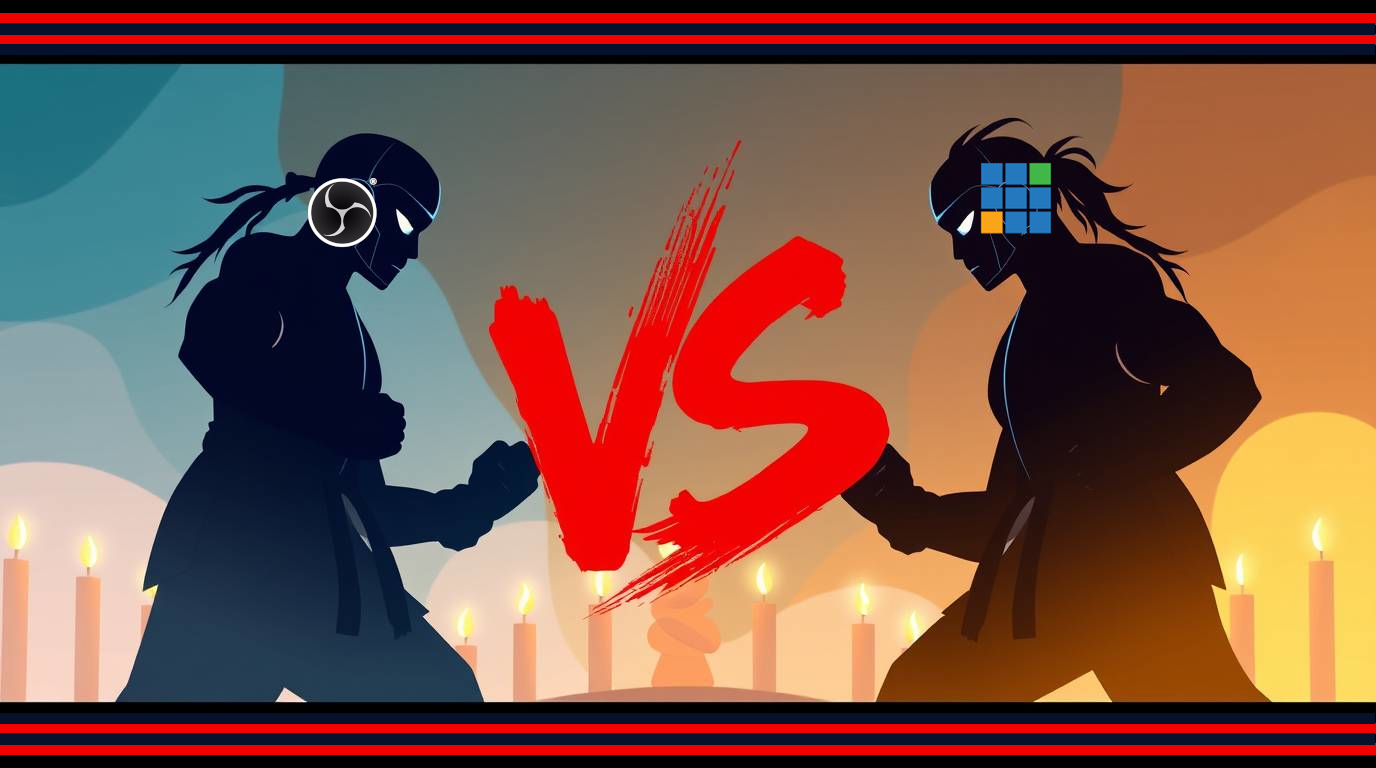
Two Giants, One Goal: Flawless Live Production
Live streaming is booming, and whether you’re producing a concert, podcast, hybrid event, or church service, choosing the right mixing software can make or break your show. If you’ve ever wondered whether to roll with OBS Studio or VMix, you’re not alone. Both OBS and Vmix are powerful—but knowing which one fits your workflow is the real game-changer.
Let’s cut through the confusion and unpack the strengths, quirks, and ideal use cases for each platform.

OBS Studio: The Open-Source Workhorse
OBS (Open Broadcaster Software) is free, flexible, and backed by a passionate global community. It’s widely loved by content creators and indie streamers, but it’s also surprisingly capable for professional use.
Why you’ll love OBS:
- 100% Free and open-source
- Huge plugin ecosystem
- Lightweight and easy to run on mid-range PCs
- Great for streaming to Twitch, YouTube, and Facebook
However, OBS lacks native support for advanced features like multi-channel ISO recording, instant replays, or NDI camera switching—unless you’re willing to cobble together plugins.
🎯 Best for: Solo streamers, gaming channels, and budget-conscious pros who like to tinker.

VMix: Feature-Rich and Broadcast-Ready
VMix is a professional live production suite that’s built to handle multi-cam broadcasts, remote guest feeds, dynamic overlays, replays, and more—right out of the box.
Why VMix shines:
- Native support for NDI, SRT, and virtual sets
- Up to 8-camera ISO recording (in higher tiers)
- Advanced audio routing, mix-minus, and video delay options
- Excellent customer support and regular updates
VMix runs only on Windows, and pricing starts with a one-time license model (starting around $60, going up to $1200+ depending on the edition).
🎯 Best for: Churches, pro AV teams, event producers, and hybrid studios that need reliability and scale.
Quick Comparison of OBS and Vmix
| Feature | OBS Studio | VMix |
| Cost | Free | Paid tiers |
| OS Support | Windows, Mac, Linux | Windows only |
| Multi-cam Switching | Basic | Advanced |
| ISO Recording | Plugin-based | Native support |
| Remote Guests | Basic via plugins | Native via vMix Call |
| NDI Support | Plugin | Built-in |
| Learning Curve | Moderate | Steep but guided |

Quick Tips for Smoother Streaming on both OBS and Vmix
✅ Mix with Confidence: Use a software audio mixer like AMP by NLE to control your audio across OBS or VMix. AMP integrates with Dante, AES67, and ASIO—making your sound as pro as your video.
🔁 Test Before You Go Live: Build a rehearsal session with your exact setup, and stream privately to catch any quirks.
🔧 Upgrade Thoughtfully: OBS thrives with a fast CPU; VMix benefits more from a beefy GPU. Match your gear to your software.
Still Unsure? Let’s Talk Gear and Workflow
Picking between OBS and VMix isn’t just about features—it’s about the way you produce. And if audio quality is a top priority (as it should be), make sure your system is built around a robust, scalable mixer like AMP by New Life Electronics.
From touchscreen flexibility to networked audio control across Dante and AES67, AMP gives you the kind of precision and integration these streaming platforms can’t provide alone.
👉 Need help deciding what fits best? Book a consultation with our team.
💡 Want to level up your streaming audio game? Dive into SynAudCon’s training for expert insights into audio, RF, and networked sound.
Let’s get your stream sounding as good as it looks.