Do You Need Chest-Rattling Bass, or Just Better Sound?
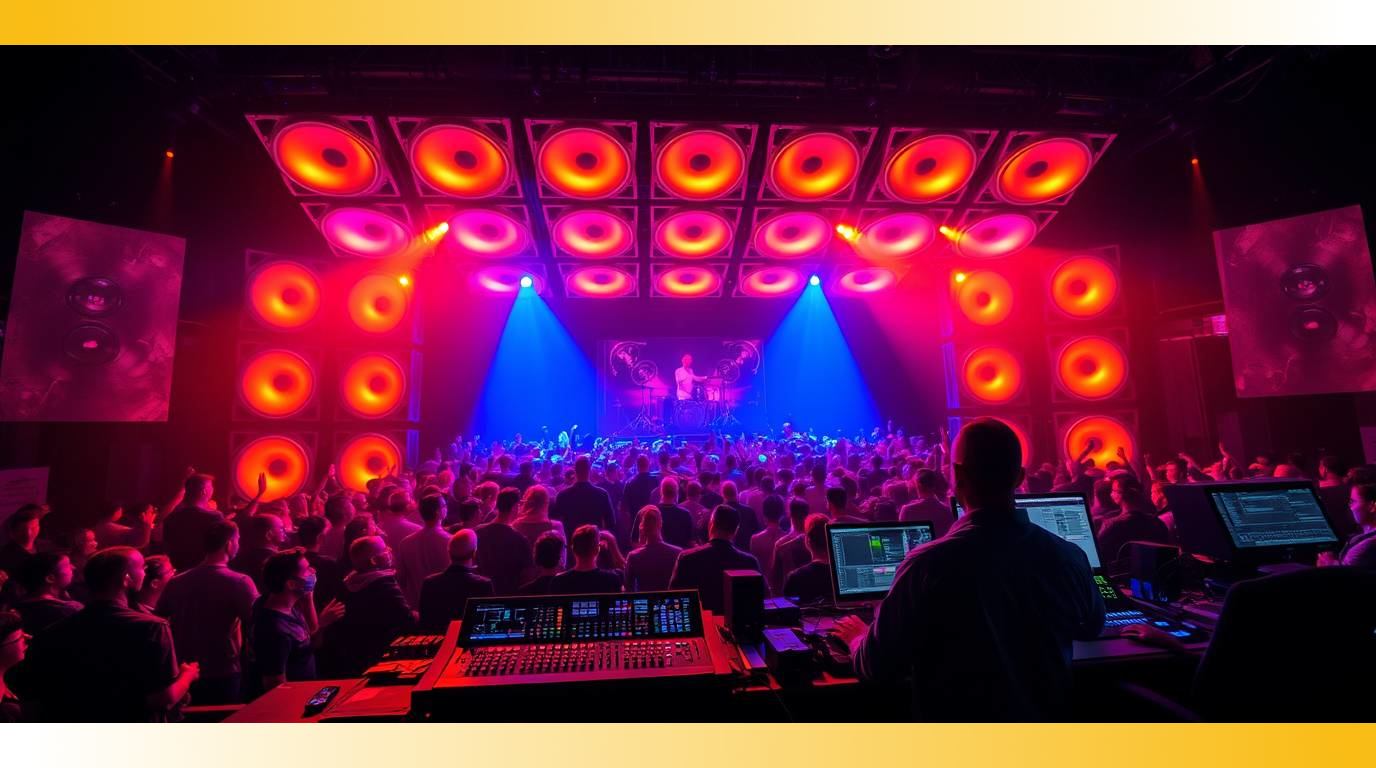
You’ve felt it—that deep, booming bass that shakes your ribs and electrifies the room. But here’s the real question: Is deep bass essential, or just impressive? In live sound, broadcast, and even studio setups, bass can make or break your mix. Done right, it delivers power and emotion. Done wrong, it muddies your clarity and ruins intelligibility.
Let’s separate myth from must-have, and break down what deep bass really does for your mix, your system, and your audience.
1. What Deep Bass Actually Adds to Your Mix
Bass isn’t just about boom—it’s about body. Well-controlled low end provides foundation and fullness, giving your mix weight and warmth. Whether you’re mixing FOH, monitoring, or in a studio, bass communicates emotion in a way no other frequency range can.
But without control? You get mud, masking, and unhappy listeners.
Pro Insight:
Most of the energy in a kick or bass guitar lives in the 50–120Hz range. But excessive boost below 40Hz? That’s just subsonic sludge unless you’re tuning for EDM or theater effects.
2. When (and Where) You Don’t Need Boomin’ Bass
Small venues, corporate presentations, houses of worship—these aren’t always bass-heavy environments. In these spaces, clarity, speech intelligibility, and musical definition often matter more than jaw-rattling sub energy.
You still need solid low end, but not the kind that overloads the room or shakes loose ceiling tiles.
Gear Tip:
Use high-pass filters (HPFs) on vocal and speech channels to clean up the mix and avoid unnecessary low-end buildup.
3. Designing Your System for Smart, Deep Bass
More subwoofers isn’t always the answer. Strategic placement, phase alignment, and proper tuning matter far more. Deep bass should support—not swamp—your system.
With AMP by NLE, tuning your bass is easier than ever. Use visual metering and networked DSP to dial in exactly the response you want. Compatible with Dante, AES67, and ASIO, AMP lets you shape your system with precision and flexibility.
Check This Out:
ProSoundTraining.com offers incredible deep-dives on system alignment, subwoofer array tuning, and low-frequency management. Highly recommended for engineers who want surgical control of their low end.
4. Mixing for Impact, Not Just Volume
Remember: Bass isn’t just about volume—it’s about presence and timing. A mix that hits hard but doesn’t overpower is always more effective than a wall of undefined rumble.
AMP gives you detailed control over delay, EQ, phase, and routing—so your bass is felt, not fought. It’s also fully touch-compatible, perfect for front-of-house or mobile tuning on the fly.
Quick Takeaways:
- Tight low end beats big low end.
- Use high-pass filters strategically.
- Tune your system to the room, not just the genre.
- Invest in DSP control, not just hardware.

Want Better Bass Without the Guesswork?
Boom doesn’t mean better. It means balance. Let our team help you design or upgrade your system to get powerful, clear, and musical bass—tailored to your space.
Looking for expert sound engineering solutions? Book a consultation today!
Need top-tier rental equipment for your next event? Let’s talk gear!